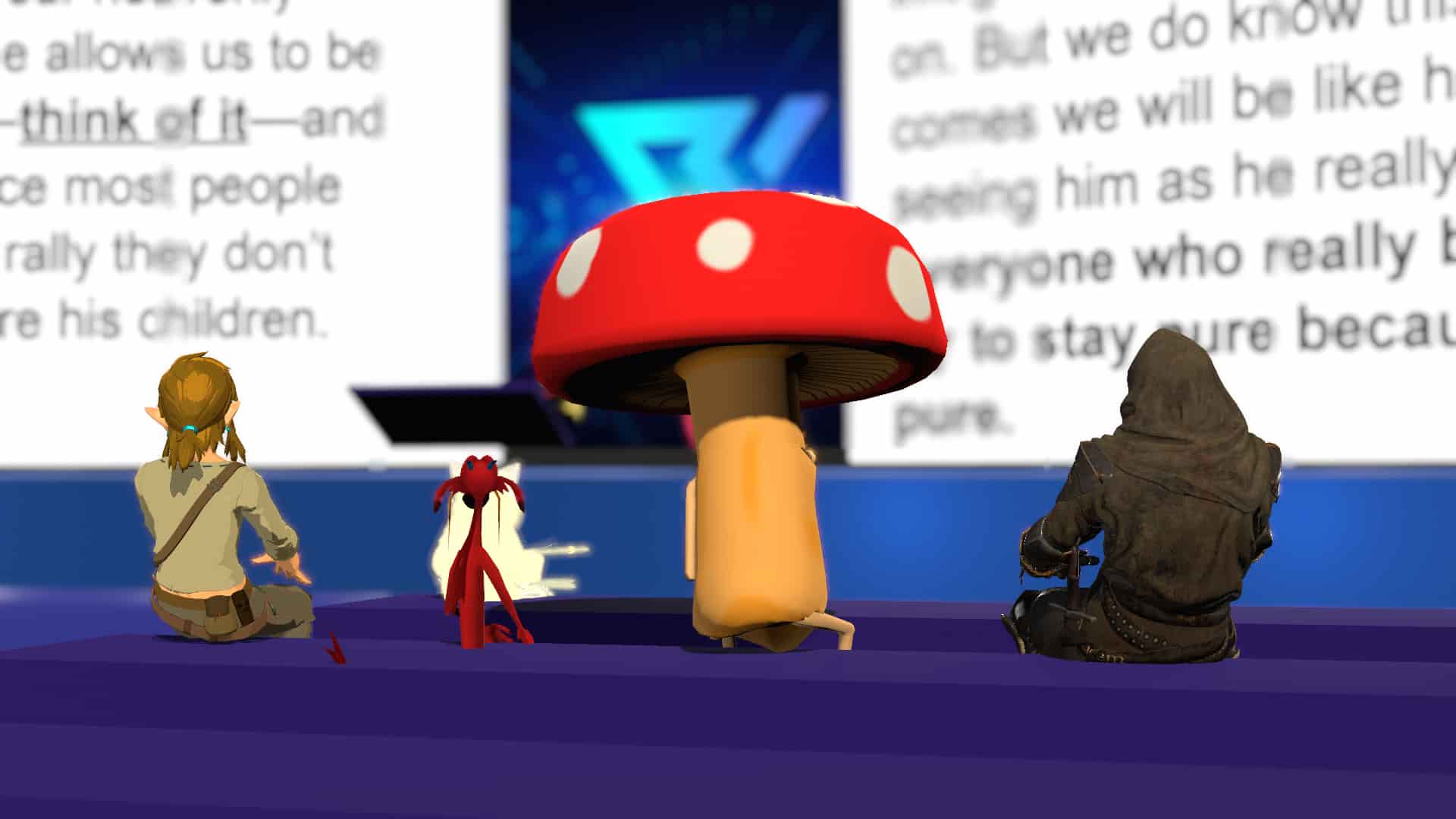
Three Steps Into VR
Get a VR Headset
A standalone headset is the easiest way in, no gaming PC required. The Meta Quest 3 and Quest 3S run everything on their own and are our top picks for newcomers. If you already have a powerful PC and want the highest fidelity, a PC-tethered headset like the Valve Index is a great step up.
No headset yet? You can still join us. VRChat runs in a desktop mode on most laptops and PCs, so jump in however you can.
Download VRChat
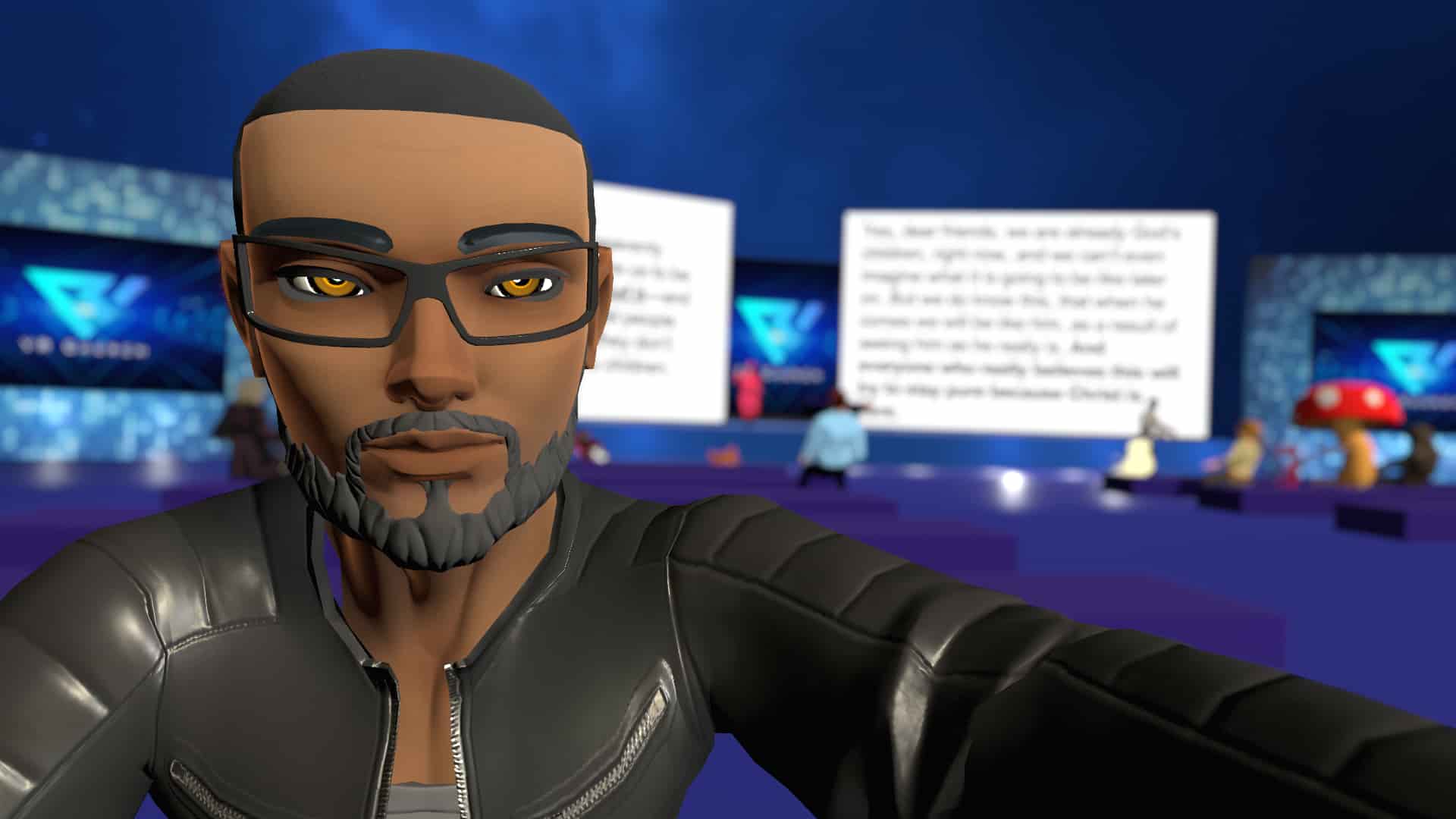
VRChat is free, and it's where we gather. Grab it from the Meta Quest store, Steam, or vrchat.com, then take a few minutes to get set up before your first service.
- Create a free VRChat account and log in.
- Customize your avatar, be whoever you want to be.
- Complete the in-game tutorial to learn the controls.
Pro tip: Use an avatar rated “Moderate” or better for the smoothest performance in busy worlds.
Experience VR Church
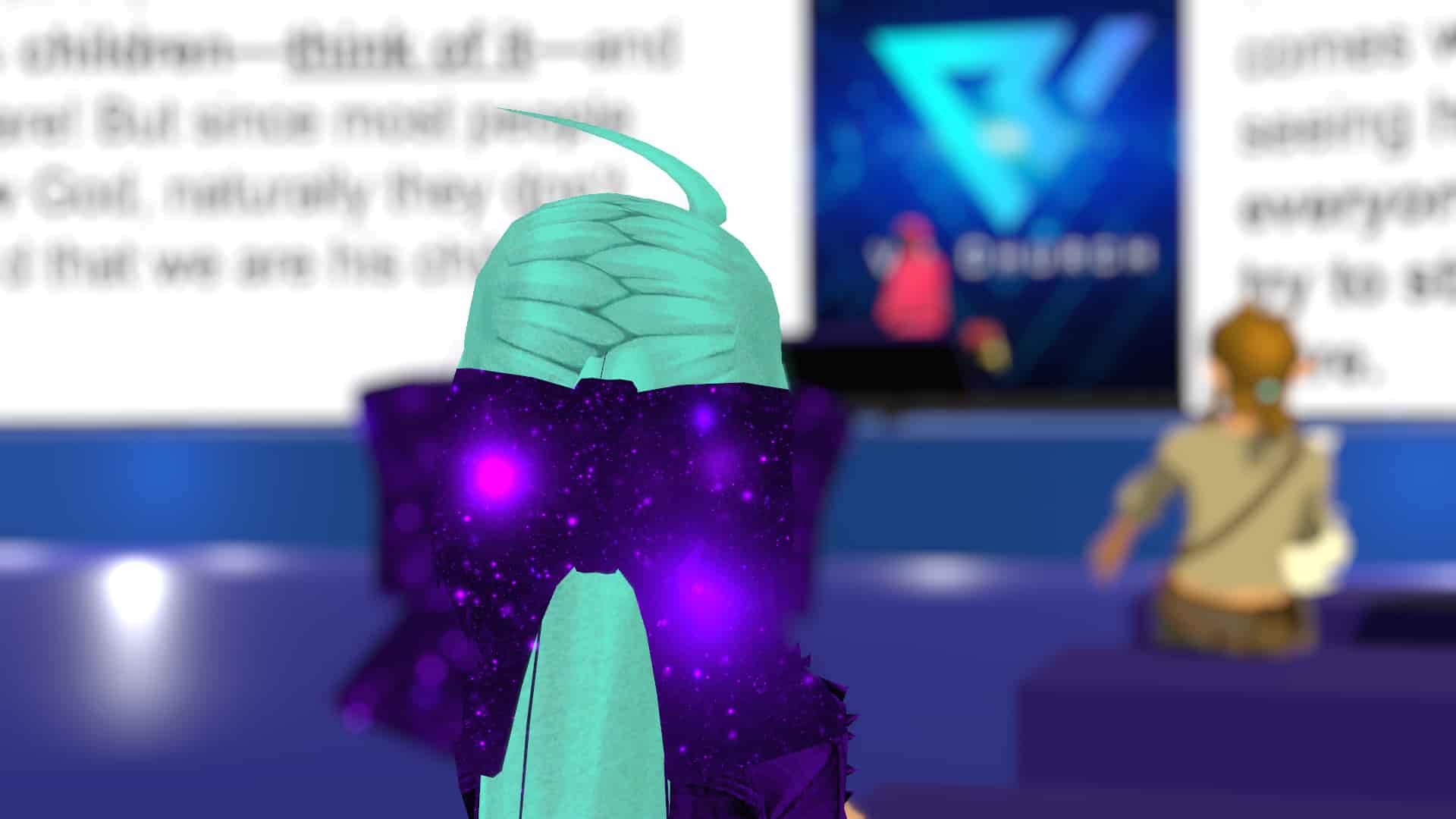
We gather throughout the week, services, hangouts, and community events. The easiest way to find what's happening (and when) is our Discord: check the Events tab for the schedule, and don't be shy about saying hello.
- Join our Discord and grab your roles.
- Check the Events tab for service and hangout times.
- New? Reach out to a VR Church Host, we'll show you around.